Color Theme
In the Document Reader SDK 8.1 and later, the UI color scheme is synchronized with the currently selected OS theme (dark or light).
See the following example.
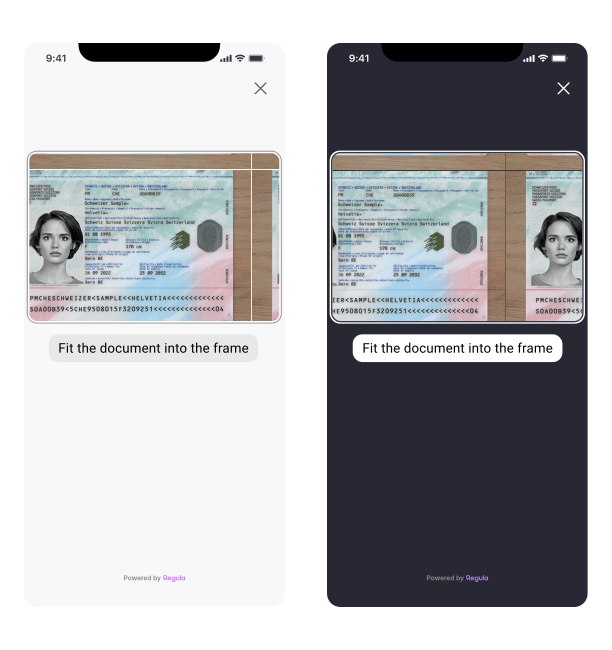
For more color options, see the Background article to configure mask color and alpha.
Liquid Glass
For iOS 26 and later, you can enable support for Apple's native Liquid Glass UI theme. The theme affects the appearance of buttons across SDK screens.
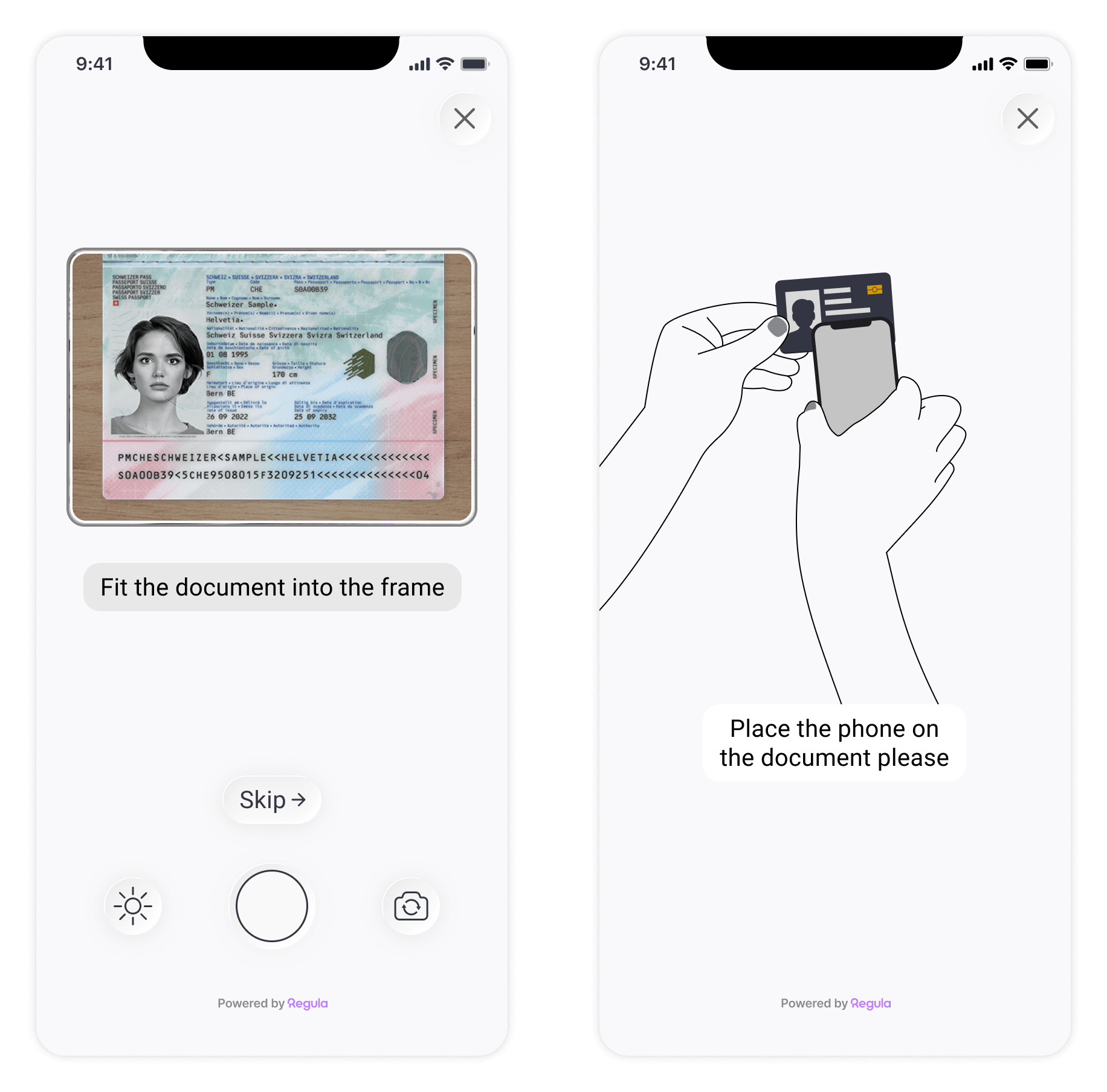
Set the theme parameter value to select the UI theme used for iOS SDK screens:
liquidGlass—a transparent theme that reveals the content beneath. Supported on iOS 26 and later.clear—provides increased opacity and contrast. Enabled by default.
Note
iOS versions prior to 26 don't support Liquid Glass, so the clear theme is applied regardless of the selected parameter value.
DocReader.shared.customization.theme = .liquidGlass
[RGLDocReader shared].customization.theme = RGLCustomizationThemeLiquidGlass;
DocumentReader.instance.customization.theme = CustomizationTheme.LIQUID_GLASS;
DocumentReader.instance.customization.theme = CustomizationTheme.LIQUID_GLASS;
DocumentReader.setCustomization({
  theme: CustomizationTheme.LIQUID_GLASS,
}, (str) => { console.log(str) }, (error) => { console.log(error) });
DocumentReader.setCustomization({
  theme: CustomizationTheme.LIQUID_GLASS,
});
DocumentReader.setCustomization({
  theme: CustomizationTheme.LIQUID_GLASS,
}, function (m) { }, function (e) { console.log(e); });
// iOS
RGLDocReader.Shared.Customization.Theme = RGLCustomizationTheme.RGLCustomizationThemeLiquidGlass;
Status Bar
On Android, the status bar, which contains notification and system icons, is hidden by default. To show or hide the status bar explicitly, use the parameter:
DocumentReader.Instance().functionality().edit().setHideStatusBar(true).apply()
DocumentReader.Instance().functionality().edit().setHideStatusBar(true).apply();
DocumentReader.instance.functionality.hideStatusBar = true;
DocumentReader.instance.functionality.hideStatusBar = true
DocumentReader.setFunctionality({
    hideStatusBar: true,
}, (str) => { console.log(str) }, (error) => { console.log(error) });
DocumentReader.setFunctionality({
    hideStatusBar: true
});
DocumentReader.setFunctionality({
    hideStatusBar: true,
}, function (m) { }, function (e) { console.log(e); });
// Android
DocumentReader.Instance().Functionality().Edit().SetHideStatusBar(true).Apply();