Release Notes 5.7
All Devices
Added
Chart highlighting when selecting data
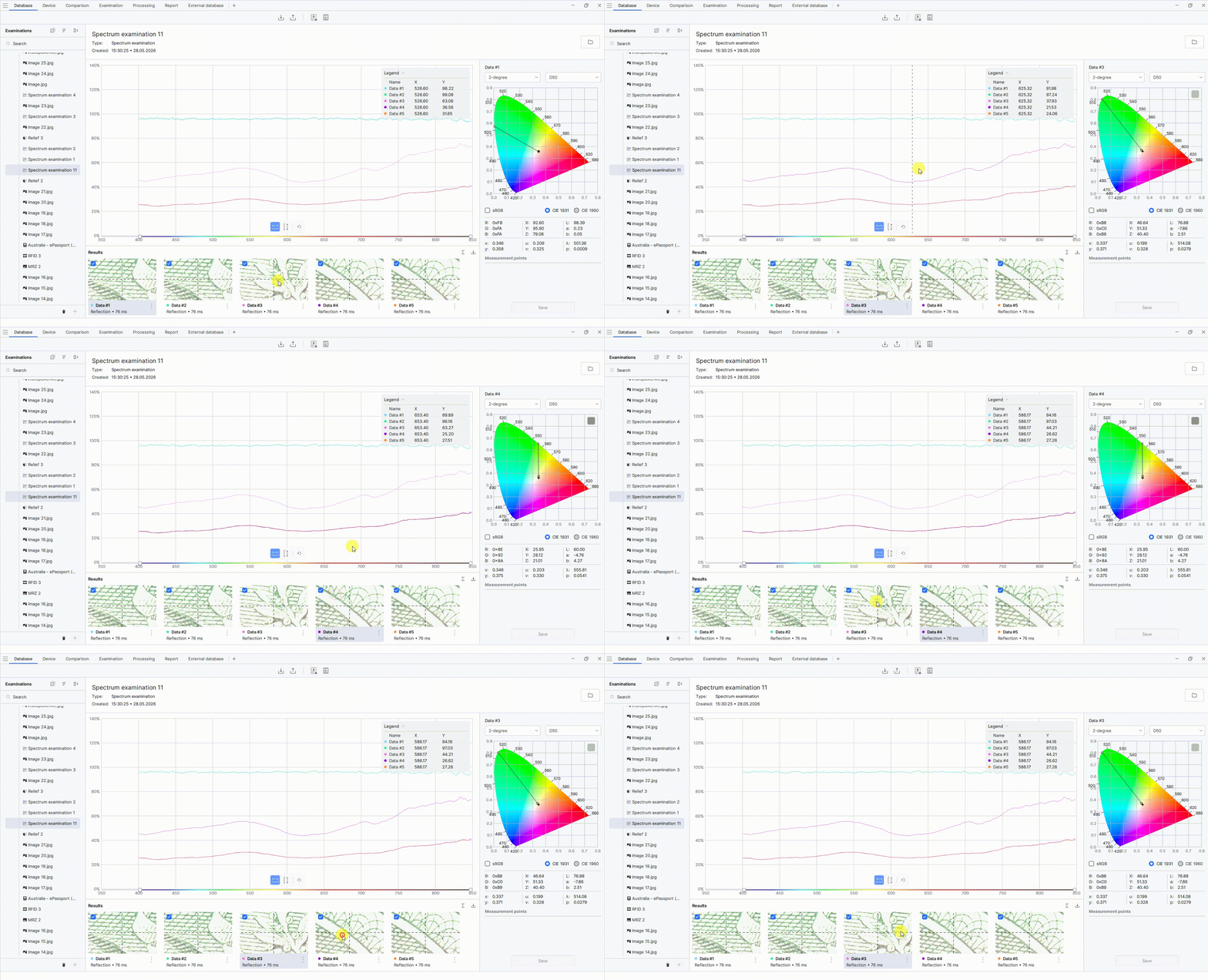
Added chart highlighting when the corresponding data is selected in the Results panel.
To highlight a plot on the chart, select the required data in the Results panel.
Renaming and deleting spectral analysis results
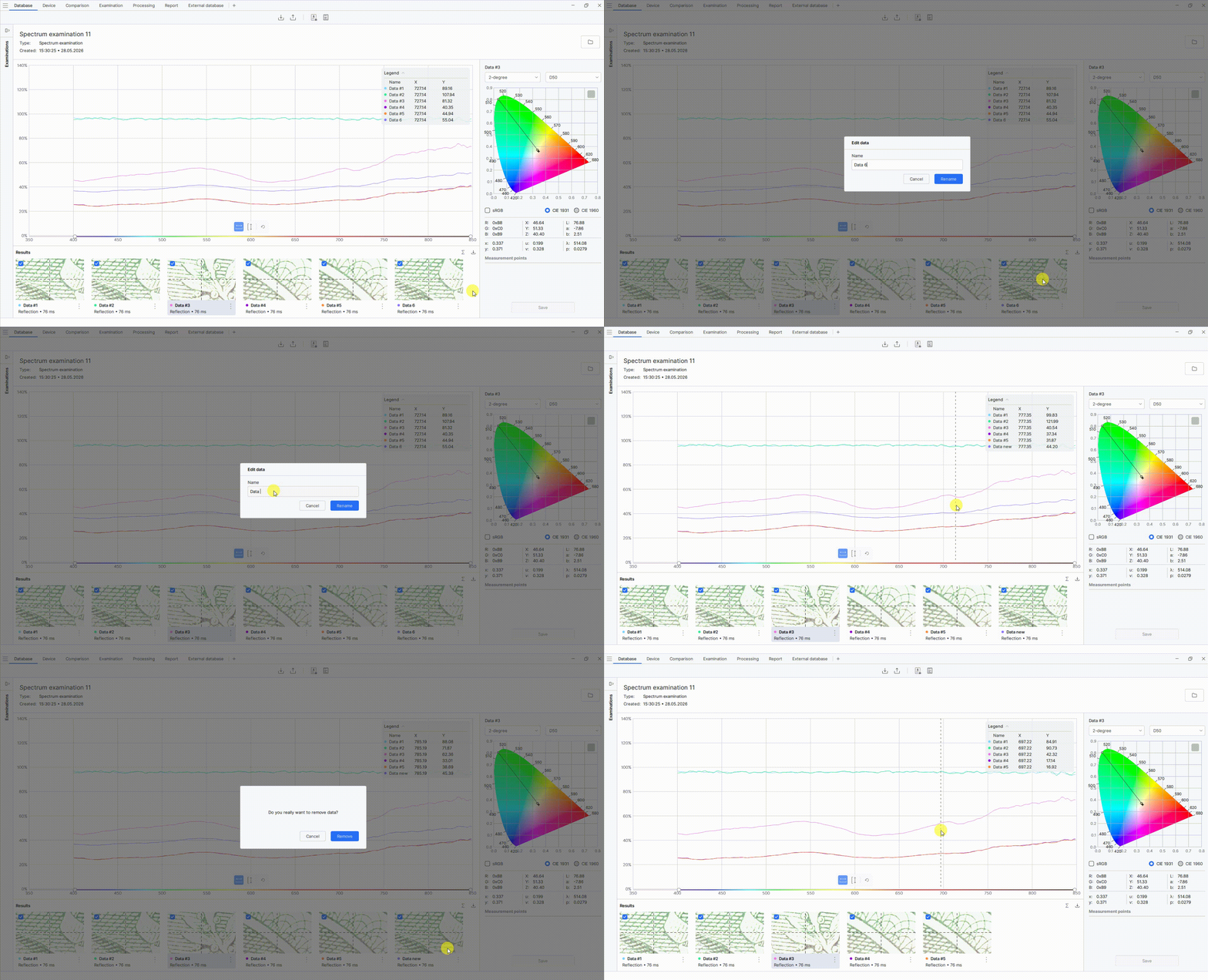
Added the ability to rename and delete spectral analysis results.
To rename a spectral analysis result:
- Open the spectral analysis on the Database tab.
- In the Results panel at the bottom of the screen, select the required analysis data and click the button with three vertical dots.
- Select Rename.
- In the window that opens, enter a new name and click Rename.
To delete a spectral analysis result:
- Open the spectral analysis on the Database tab.
- In the Results panel at the bottom of the screen, select the required analysis data and click the button with three vertical dots.
- Select Delete.
- In the window that opens, click Delete to confirm the deletion.
Spectrum averaging
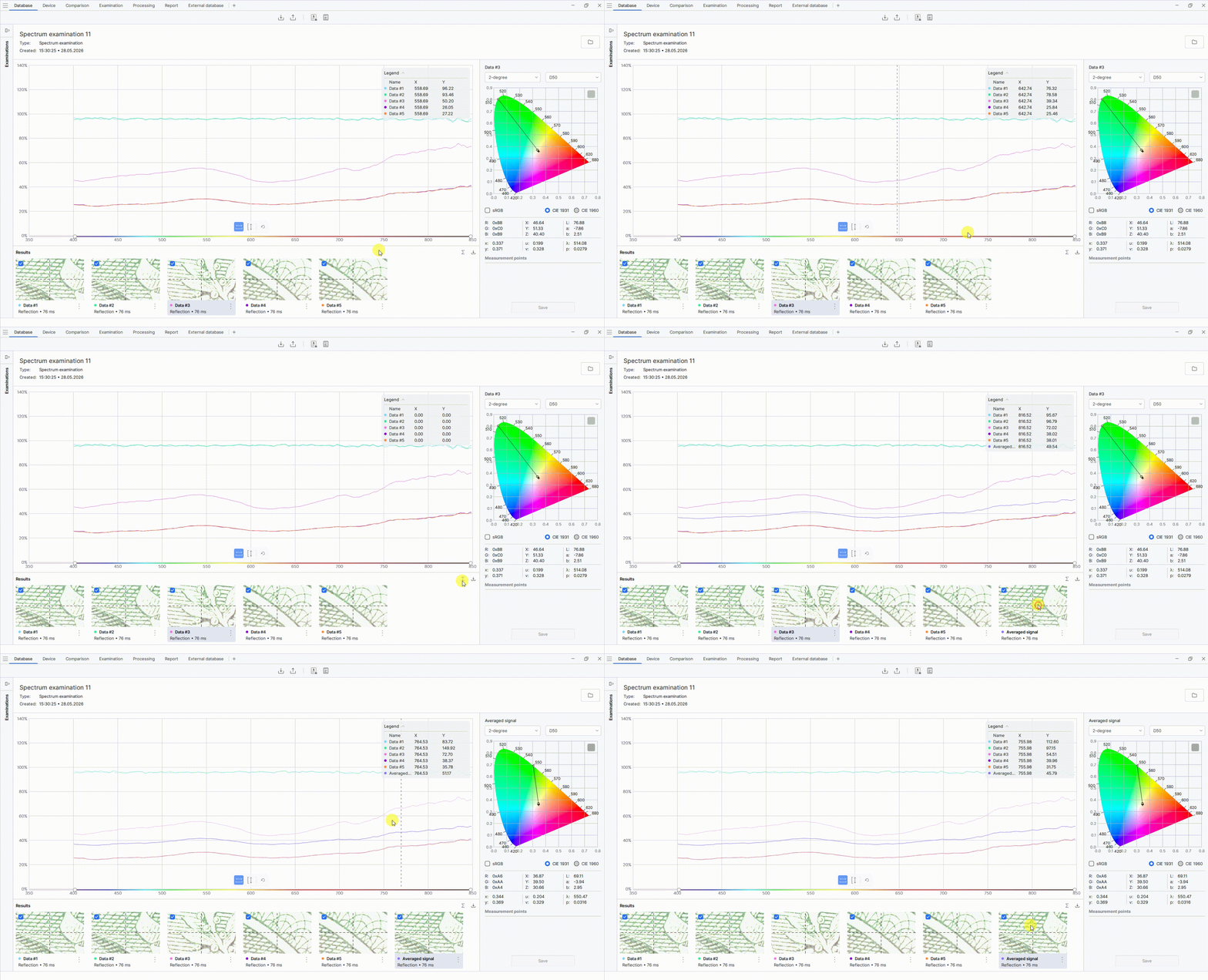
Added the ability to average spectra.
To obtain an averaged spectrum, click the sum icon on the right side of the Results panel. The averaged data will be added to the list in the Results panel, and the corresponding plot will be displayed on the chart.
White balance button
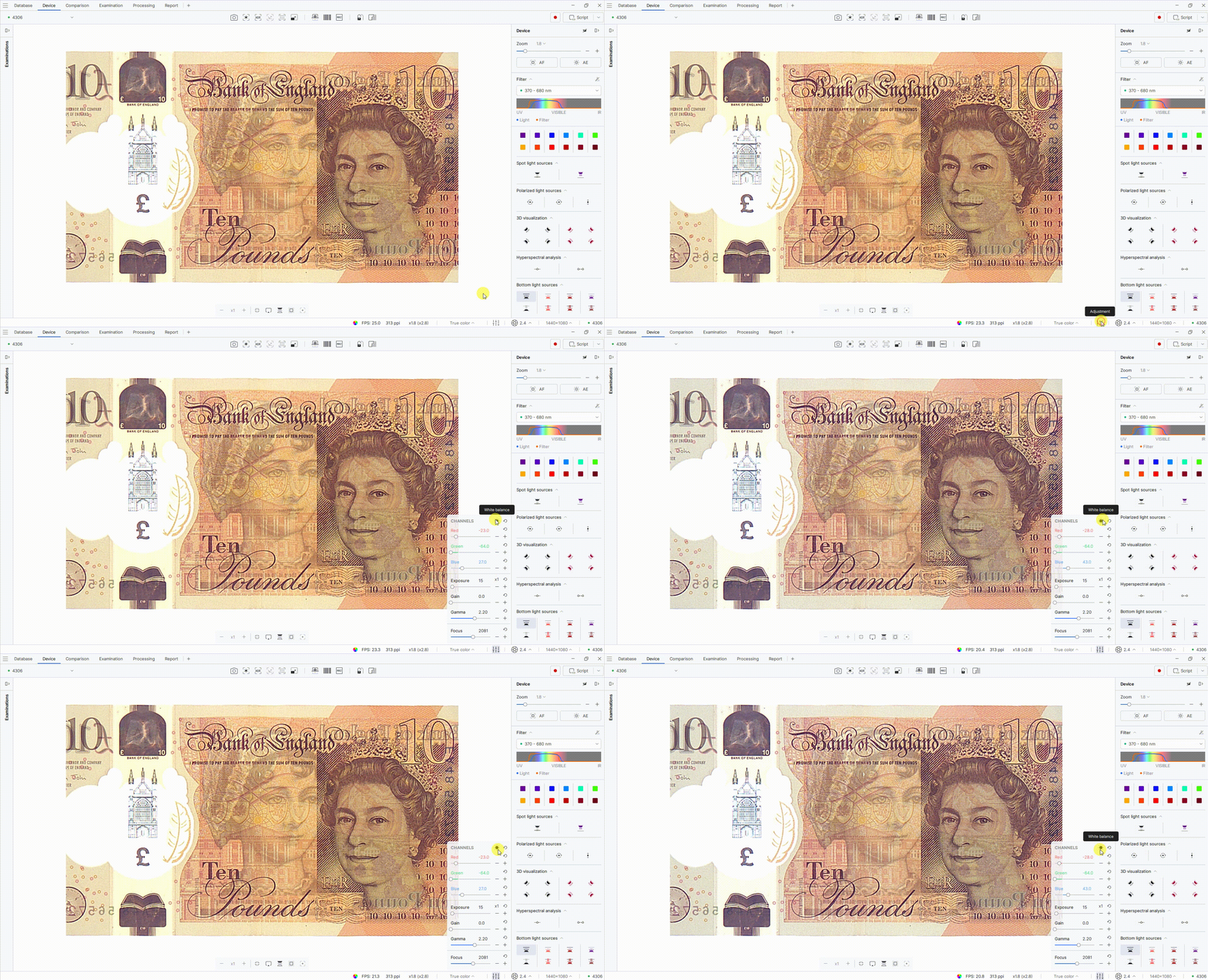
Added the White balance button.
To use the White balance button:
- Open the Adjustment tool on the toolbar at the bottom of the screen.
- Click the White balance button in the top-right corner of the panel. The image white balance will be automatically adjusted according to the current lighting conditions.
White transmitted-light source brightness adjustment
Added the ability to adjust the LED brightness of the white transmitted-light source without using a test object.
Japanese language support
Added Japanese language support to the Regula Forensic Studio Crossplatform application.
Fixed
- Fixed report generation for the Face Comparison tool on the Examination tab.
- Fixed the display of charts added to reports.
- Fixed overexposure in IR luminescence and Anti-Stokes modes.
Improved
- Improved spectrum visualization for combinations of light sources and filters. Only the effective wavelength range reaching the camera is now displayed.
Regula 4306
Added
- Added automatic display mode switching based on the table position. When the table is removed, the device automatically switches to Extended mode. When the table is inserted back, it automatically switches to Display mode.
Regula 4308
Added
- Added an Anti-Stokes light source button.